A small utility for going places
Local work.
Out in
the world.
Your agents have work to do.
You have somewhere to be.
Rucksack keeps the Mac behind your local work awake and connected while you move. Bring your desktop apps, your projects, your whole setup.
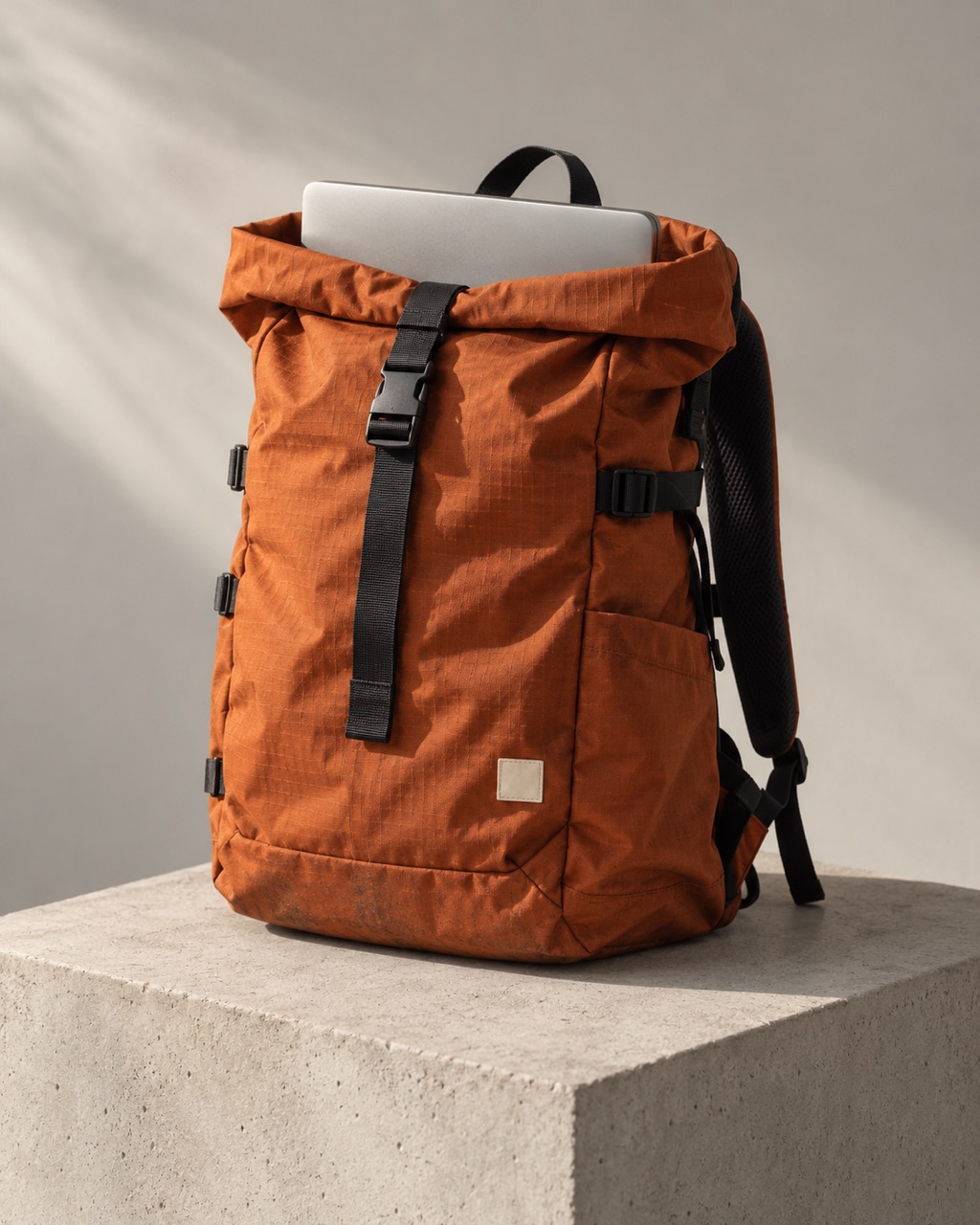 FIELD EQUIPMENT / 001
Leave the desk.
Keep your environment.
01 / Find your footing
The app is a window.
Where’s the work?
Having ChatGPT on your desktop doesn’t mean every task runs there. Rucksack matters when the work still needs your laptop.
Same computer.
A different seat.
Use ChatGPT’s Remote connection to guide work from your phone. The desktop host still supplies the files, tools, and app sessions. It needs to stay awake, online, and running ChatGPT.
Rucksack looks after the host’s power and hotspot. Pair your devices in ChatGPT first, then test your actual task from your phone.
ChatGPT Remote setupThe connection travels. The work stays local.
A cloud agent.
A local foothold.
Your Dot has its own cloud computer. When you allow it to use your computer, it can also coordinate tasks that need your local files, code, and apps.
Rucksack helps keep that computer available. Dot access is a separate permission from Codex Remote or Work Sync; leave ChatGPT open while your Dot uses the Mac.
Connect a computer to your DotKeep the local part within reach.
Cloud work?
Let the laptop sleep.
If the task lives entirely in Dot’s cloud computer or a Codex cloud environment, Rucksack isn’t needed for that task.
The cloud has its own files, tools, and browser sessions. Your local checkout, localhost server, and signed-in browser don’t automatically move there.
Understand local and cloud workNo local dependency. Nothing to pack.
Rucksack manages power and connectivity. Remote access, permissions, and task execution belong to your agent app. Read the field notes ↗
02 / A little leaving ritual
Check. Pack.
Off you go.
Less fiddling with settings. A repeatable routine for the computer doing the work.
-
01
Check your bearings.
Check battery, hotspot, actual internet access, and any configured CLI remotes before changing a setting.
rucksack doctor -
02
Pack with a plan.
Keep awake, watch the connection, and set a battery floor. Lid-closed mode saves and verifies the sleep setting.
rucksack pack --watch -
03
Settle back in.
Stop the watchdog and restore the saved sleep setting. Interrupted session? Recovery handles the cleanup.
rucksack unpack
A little help along the way. Hotspot reconnects. Keep-awake recovery. Battery thresholds. Optional phone alerts.
The field manual03 / Travel light
Small tool.
Ready to go.
A plain Node.js CLI. No account to create, no runtime dependencies. Your agent stays in the app you already use.
macOS + Node.js 20 or newer + Git.
Windows under WSL2 is
experimental.
curl -fsSL https://rucksack.sh/install | bash
Installs the current main branch. Prefer a pinned release?
Connect your agent first.
In ChatGPT: Settings → Connections → Control this Mac or PC. Pair your phone, open a local task, and check you can send an instruction. Keep the desktop app open.
Remote connection guide ↗In your Dot’s profile: Computers → Your computer → Allow access. Confirm access, test a task using local files, and keep ChatGPT open. This permission is separate from Codex Remote.
Dot connection guide ↗
Run claude remote-control in your project,
complete its prompts, and open the session on your phone. For
an existing session, use /remote-control. Keep
that session running.
Name your hotspot. Check the essentials.
rucksack init --hotspot "My iPhone"
rucksack doctor
Replace “My iPhone” with your hotspot name and join it first. A successful host check doesn’t verify your app’s remote pairing.
Choose how you’re travelling.
rucksack pack --watch --warn-battery 20
Keeps an open Mac awake and watches the connection. Battery warning threshold: 20%. Phone alerts need a configured notification URL.
At your destination: rucksack unpack
04 / Read before you roam
Good equipment.
Honest limits.
Power settings deserve a little care.
Here’s what to know
before heading out.
Doesn’t ChatGPT already keep my Mac awake?
ChatGPT offers a keep-awake setting for connected hosts. Its documented Mac lid-closed setup uses power and an external display. Rucksack adds a travel routine: hotspot checks and recovery, battery thresholds, restorable lid-closed power settings, and optional alerts.
If your existing setup already stays available, you may not need Rucksack. Test your actual workload; keeping the host awake doesn’t guarantee desktop UI automation will work with the lid closed or screen locked.
Read OpenAI’s host requirements ↗What changes when I close the lid?
Plain caffeinate is for lid-open use. On macOS,
--lid-closed --yes saves the current
disablesleep value, uses sudo pmset to
change it, and verifies the result. The watchdog starts
automatically.
rucksack unpack restores the saved value. After an
interruption, use rucksack recover. This restores
that one value, not a full snapshot of every power profile.
What about heat, battery, and lost signal?
Keep vents clear, test your workload, and don’t charge inside a closed bag. Builds and local models can generate significant heat. In lid-closed mode, detected CPU thermal throttling triggers an attempt to restore normal sleep; this is a fallback, not a cooling system.
Battery thresholds are opt-in; the setup above includes a 20% warning, plus a 10% sleep floor in lid-closed mode. Phone alerts need a configured ntfy topic or webhook. Alerts share the laptop’s connection and may fail when it’s offline.
Will it restart my agent or give my phone localhost?
The watchdog can revive the keep-awake process and attempt hotspot reconnection. It doesn’t restart ChatGPT, resume failed tasks, or answer approvals. Keep your agent app running and verify access from your phone.
rucksack pack --expose 3000 reports local-network
URLs for a dev server. It doesn’t create a public tunnel or
change the server’s binding. Your server, firewall, and hotspot
must allow the phone to reach it.
Can I use Windows or a cloud-only workflow?
Windows under WSL2 has an experimental keep-awake and lid-setting backend. The watchdog, thermal protection, and password-based hotspot joins aren’t supported there yet. The setup on this page is for macOS.
Entirely cloud-hosted work doesn’t need Rucksack. For a cloud agent using your local machine, Rucksack can help keep that local dependency online; it doesn’t move the work into the cloud.
The world is bigger
than your desk.